Microsoft Publisher Is Retired: How to Make Your Church Bulletin Now
Microsoft has retired Publisher, and the Sunday bulletin still has to print. Here's the free Microsoft Publisher alternative for church bulletins I recommend, what your other options are, and what to do with all those old .pub files.
Microsoft has retired Publisher. The simplest new home for a weekly church bulletin is Affinity, which is free. Here's what changes, what your options are, and how to get this Sunday's bulletin done.
If you've made the bulletin in Publisher for years, that's a lot of Sundays... and a lot of files! So let's walk through the whole thing, from what Microsoft actually changed to a simple weekly rhythm in your new Microsoft Publisher alternative for church bulletins.
What's Happening to Microsoft Publisher
Here's what Microsoft's own retirement page says: Publisher reached its end of life in October 2026.
If your church uses Microsoft 365 (the subscription), Publisher was removed on or shortly after October 1st. Microsoft 365 subscribers can no longer open or edit Publisher files in Publisher.
If you bought Office outright (Office 2021 or Office LTSC 2021), support ended on October 13th. Your copy still installs and opens, and your files are still yours to edit, but it no longer gets updates or help from Microsoft.
In plain church-office words: the program a lot of us made the bulletin in for decades is either already gone from your computer or living on borrowed time. Microsoft suggests Word or PowerPoint in its place. I have a different suggestion for the bulletin specifically, and I'll tell you why in a minute.
Your Options for Church Bulletin Software, Side by Side
First, the most important thing I'll say in this whole post: whatever you landed on when Publisher went away, if it gets the bulletin out without a fight, keep it! This is for the weeks it doesn't.
Affinity (free, from Canva). Affinity is a full professional design and layout program, and Canva made it completely free for everyone. A folded, multi-page bulletin is a layout job, and a layout program is exactly what Affinity is. It suits anyone making a weekly bulletin who wants the logo, the photos and the order of worship to stay exactly where they were put.
Canva. I love Canva for what it's built for: flat graphics like social posts, flyers and slides. A folded bulletin with pages that have to print in the right order is a different kind of document.
Word or Google Docs. These suit the bulletin that's mostly words, made by someone who isn't trying to bring in a lot of design. The trouble starts with pictures: Word anchors your photos to the text, so one extra line can shove your logo somewhere it has no business being.
(PowerPoint, which Microsoft also suggests, is built for screens. It's a lovely tool for your Sunday slides.)
Why Affinity Fits a Weekly Church Bulletin
Here's my own view, after twenty years of church bulletins (first in Publisher, now in Affinity): Affinity is a beautifully powerful tool, and it's free.
The bulletin is the one job in the church office that's due every single week, and everybody in the pews is holding a copy of it. So the magic of a layout program is that you build your template once and then just swap the words each week. Your order of worship lines up clean and even, and it stays that way when somebody adds an announcement at the last minute. Your logo and photos stay put. Your text flows around a photo, all in one frame. Your church's colors are saved once and ready every Sunday.
Build your bulletin template once, and every Sunday after that is just swapping the words.
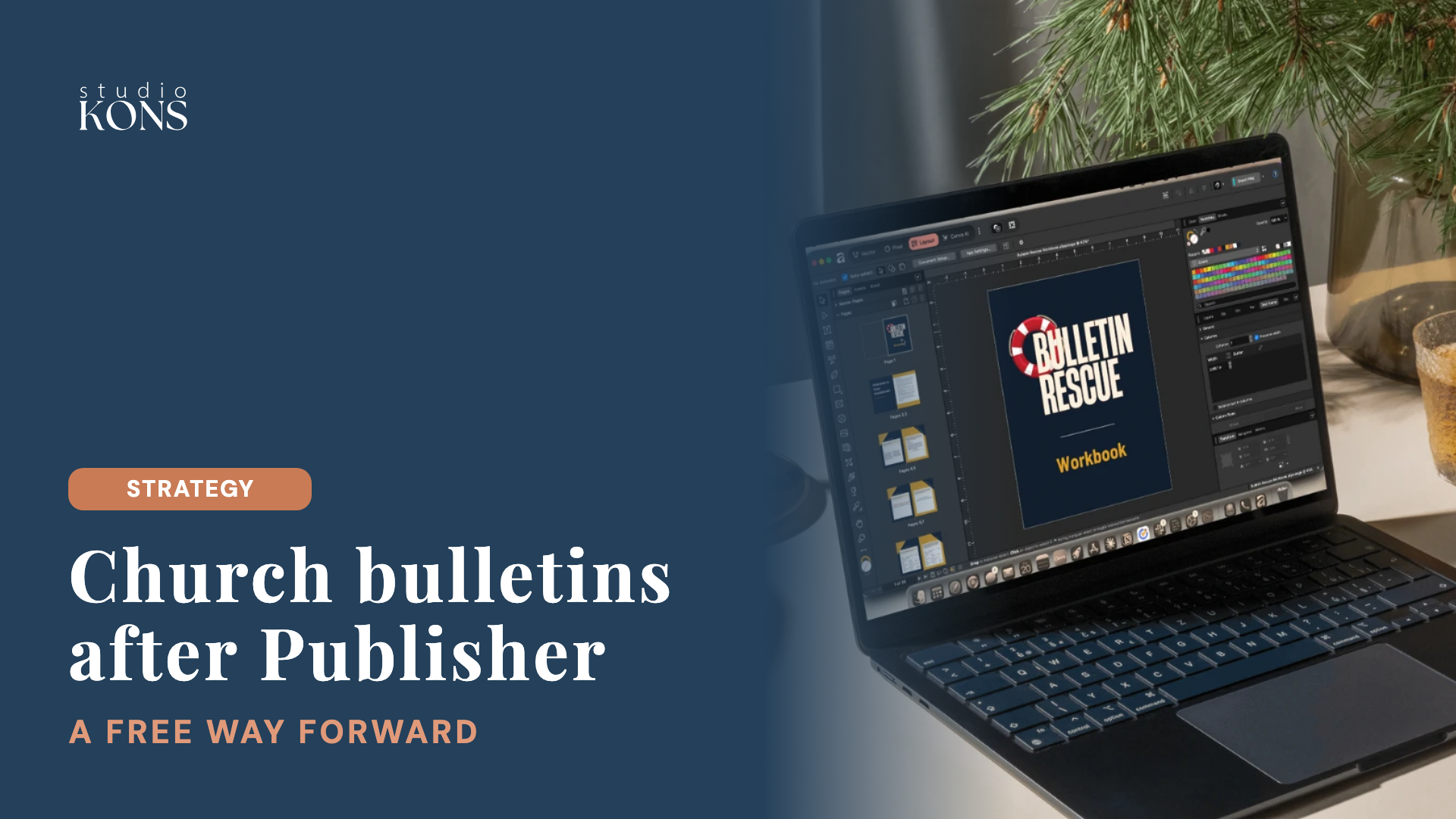
And here's something that makes me so happy. More than 140 church admins and clergy have learned Affinity with me in Bulletin Rescue, and the number one thing they've asked me for since is an advanced Affinity course. Once they've learned the basics, they can see how powerful the tool is, and how much more they can unlock relatively easily.
I also love this story from one of my clients. She inherited the bulletin from someone who stepped away, because Publisher going away meant learning something new. My client said, "Okay, I'll learn it," partly to grow her own skills and partly so she can teach whoever comes in next. She's building something the next person gets to inherit, on purpose.
What to Do With Your Old Publisher Files
Good news: Affinity can open Publisher files directly. When I tested it, I literally jumped for joy, because until then the advice was basically to save every bulletin as a PDF and hope you'd never need to edit it.
Here's what Affinity's own help page says. Affinity imports Publisher (.pub) files from Publisher 97 onward, and you don't need Publisher installed to do it. In Affinity, go to File > Open, choose your .pub file, and then save it as an Affinity file (.af) to keep working on it.
Your text, shapes, images and solid fills come across, though Affinity doesn't guarantee the colors, rotation or text formatting will be exact. A few things don't carry over cleanly:
- Tables come in as plain text frames
- Bulleted and numbered lists lose their formatting
- Multi-column text frames become a single column
- Master-page content (things like a header that repeats on every page) doesn't come across
- Hyperlinks and gradient, texture or patterned fills are dropped, and older EMF or PICT images show up as a broken-image placeholder
So expect a little tidying the first time you open each one. For your weekly bulletin, that's a one-time job: once it's cleaned up and saved as your Affinity template, you're set.
If you still have a one-time-purchase copy of Publisher, now is a great time to move the files you care about. Microsoft's own page also suggests saving them as PDFs (File > Save As) so you can always view them, whatever happens next.
A Simple Weekly Church Bulletin Rhythm
Once: build your template. Set up the folded booklet, your order of worship, your logo, your church's colors, and the parts that stay the same every week.
Every week, a short checklist:
- Open last week's bulletin and save it with this Sunday's date
- Swap in this week's readings, hymns and prayers
- Update the announcements
- Read it through one more time
- Print one copy, fold it, and check the pages come out in order
- Print the rest
That's it! The first one takes the longest, and each week after that is an easier tweak of the one before.
Frequently Asked Questions About a Microsoft Publisher Alternative for Church Bulletins
Is Affinity really free?
Yes. Canva made Affinity free for everyone, and you sign in with a free Canva account to download and activate it. Every layout tool you need for a bulletin is included.
Can Affinity open Publisher files?
Yes. Affinity opens Publisher (.pub) files from Publisher 97 onward, without Publisher installed. Text, shapes, images and solid fills come across, while tables, lists, multi-column text and master-page content need a little tidying.
Do I need to buy anything else?
No. Affinity and a Canva account are both free. The only paid extras are Canva's AI tools inside Affinity, which need a paid Canva plan, and you don't need them for a bulletin.
What about Canva for church bulletins?
Canva is wonderful for flat graphics like social posts, flyers and slides. A folded, multi-page bulletin is a layout job, and that's what Affinity, Canva's own free layout program, is built for.
How long does it take to learn Affinity?
Realistically, a few days to feel at home with it. The Bulletin Rescue lessons take about an afternoon to watch, and once your bulletin template is built, next week's is an easy tweak of this week's.
My question for you: what's the one part of your Sunday bulletin you'd love to never fight with again?
If you'd like to learn it step by step, Bulletin Rescue ($47) teaches you to rebuild your Sunday bulletin in Affinity, from a blank page to a folded, printed bulletin, and it comes with 30 days free in The Commons community, where I'll look at your bulletin before it prints. Find it at studiokons.com/bulletin-rescue.
Keep reading: