
For the church admin with a bulletin due this Sunday, and the Sunday after that…
Microsoft Publisher is retiring. Your bulletin isn't.
Bulletin, pew sheet or service sheet, whatever your church calls it, it still has to print this week.
You got the popup. You closed the popup. Then you made the bulletin, because the bulletin was due. It'll be true again next week, so give me one afternoon: I'll walk you through rebuilding your order of worship in Affinity, the free design app from Canva. Start to finish.
And the best part: short lessons, plain language, and a workbook you practice in before you touch the file that prints. What you end up with isn't just this week's bulletin. It's knowing how to make every one after it.
Rescue My BulletinAffinity is free, and it's a one-time download. The $47 is for the course: lifetime access to the lessons and workbook, plus 30 days in The Commons. One purchase covers your whole church office. All prices in US dollars.
The internet means well...
You've made your church's bulletin the same way for years. And now Microsoft is done with Publisher, the deadline still comes every single week, and everyone on Facebook is shouting: "just use Canva!" (or Word, or PowerPoint.)
Here's what that advice misses: a folded, multi-page bulletin is a different kind of document. Canva is built for flat graphics, Word anchors your photos to the text so one extra line shoves your logo somewhere it has no business being, and PowerPoint is built for screens rather than print. Your bulletin needs a layout program, and that's exactly what Affinity is.
Included with every enrollment
Learn it by doing it, not just watching it.
Every lesson comes with a two-page spread in your Bulletin Rescue workbook. The left page shows you exactly what you're building. The right page is yours, already loaded with the right words, waiting for you to match the formatting yourself.
You'll open the real Affinity file, not a locked PDF, and you'll keep it. Every file can be downloaded again, so you can start any spread over as many times as you like.
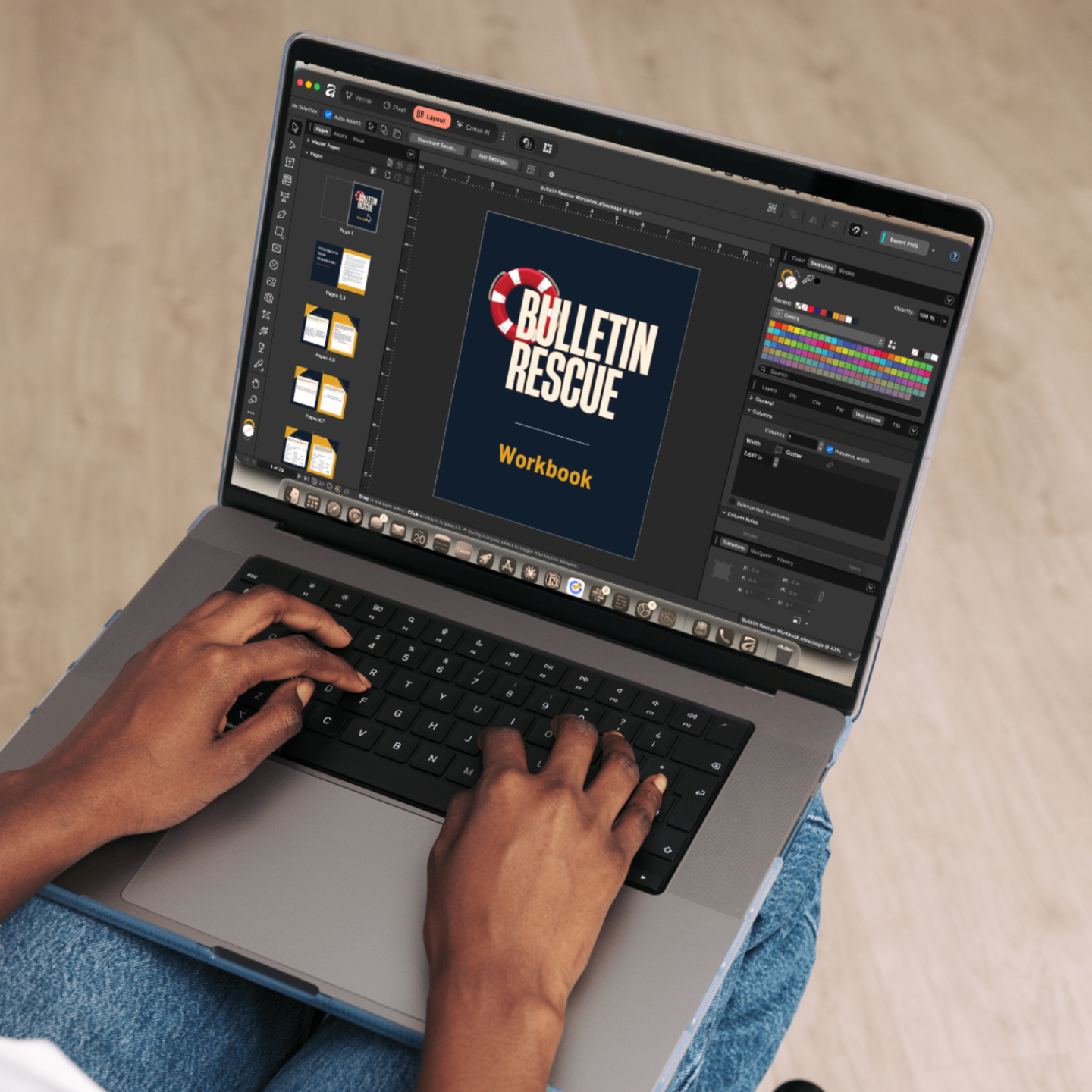
From a blank page to a folded, printed bulletin in your hands
And you'll actually understand how you did it.
(And the same skills make your newsletter too, printed or PDF.)
INSIDE THE COURSE:
- ✶Setting up a folded booklet correctly from the very first click
- ✶Formatting your order of worship so it lines up clean and even
- ✶Responsive readings, liturgical symbols, and the church-specific things no generic tutorial teaches
- ✶Adding your logo and photos so they never print blurry
- ✶Flowing your text around a photo, in one text frame
- ✶Saving your church's colors once and reusing them forever
- ✶Printing a folded booklet so the pages come out in the right order (the one everyone gets wrong)
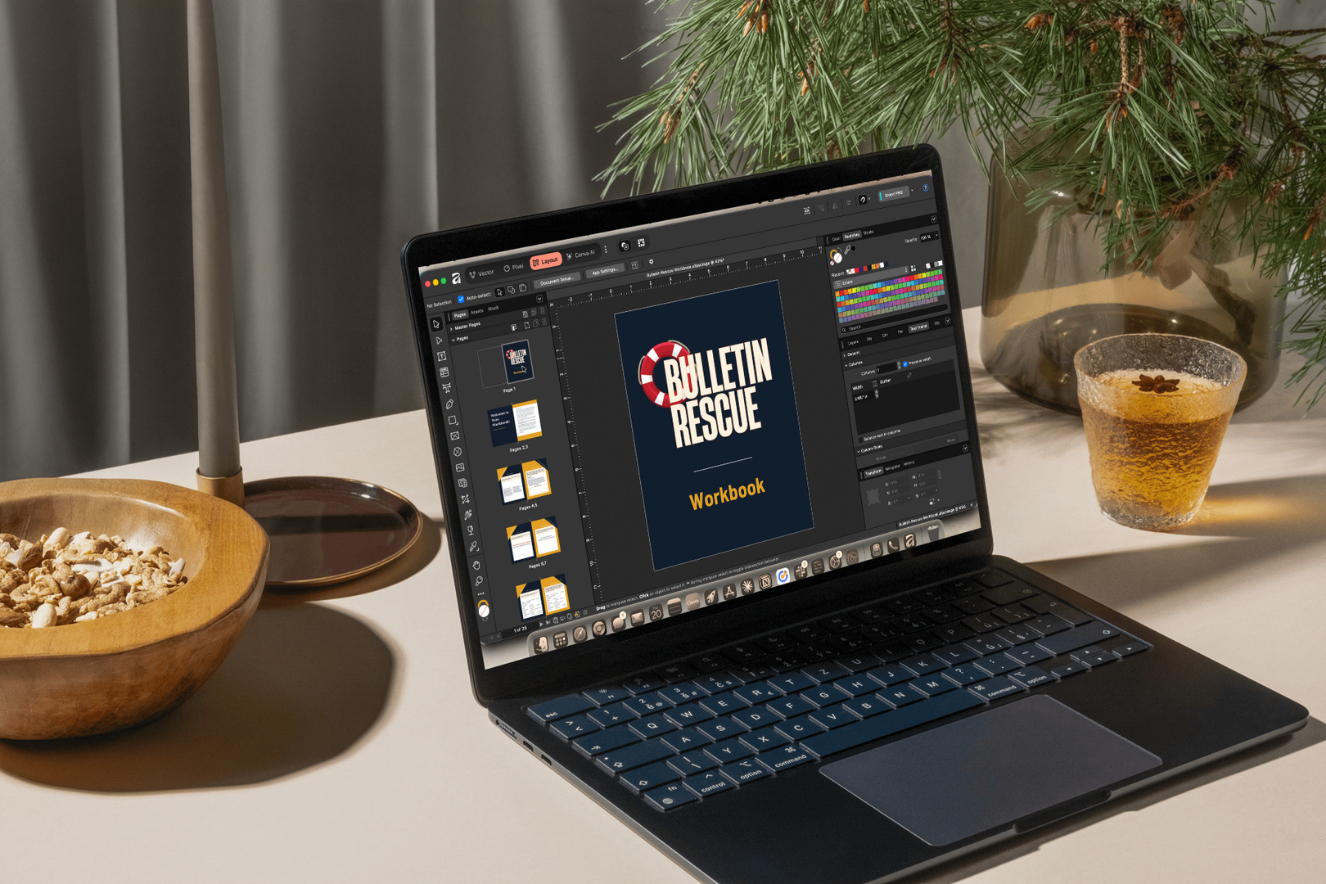
Built entirely around your bulletin
There are plenty of “learn Affinity” tutorials on YouTube. This course is different, because it's built around the thing you actually make: the order of worship, responsive readings, the cross and the versicle marks, folded-booklet printing.
It's the church-specific help you actually need, from someone who's made a thousand bulletins.

Who's teaching you
Twenty years of church bulletins taught me this system.
I'm Leslie, founder of Studio Kons and Director of Music & Digital Ministry at my own congregation. I've built the order of worship more Sundays than I can count, first in Publisher, now in Affinity, and I built Bulletin Rescue around the exact things that trip up church admins: folded booklets, responsive readings, liturgical symbols, and getting the pages to print in the right order.
Before you decide
“I'm not techy.”
This course assumes no design experience. Every lesson does one thing, in plain language, and you practice in a workbook file rather than in the bulletin that has to print.
“I don't have time to learn software.”
You don't need to. You need this week's bulletin done. Every lesson is one small, do-it-now task, titled so you can find it again later.
“Is the software really free?”
Yes. Affinity is completely free. You'll never pay a subscription to make your bulletin.
“What if I mess up my bulletin?”
You practice in the workbook, not in your real bulletin. Every workbook file can be downloaded again, so any spread can be started over as many times as you like.
“I have gone from panic mode to I think we might just figure this out in the span of two weeks.”
“I’m starting to feel a little less stressed about losing Publisher.”
— a church admin who wrote to me after starting 'Bulletin Rescue'

Included, not an upsell
You also get 30 days in The Commons
One hour of a designer’s time costs more than this entire course. You get thirty days of me.
- ✶Post your bulletin before it prints and I’ll look it over. Far better to catch a fold problem on Thursday than after two hundred copies.
- ✶Start something in Canva and I’ll tweak it for you. Flyers, slides, social graphics, whatever else landed on your desk this week.
- ✶Ask about the rest of the job too. Your website, your newsletter, your social accounts, the things nobody trained you for either.
- ✶Everything already in the community is open to you, including every question other church communicators have asked before you got here.
No cap on questions. No ticket queue. Just ask.
My happiness guarantee
If Bulletin Rescue isn't the right fit within your first 14 days, email me and I'll refund you in full. No forms, no hoops.
Got questions?
Is Affinity really free? And what am I paying $47 for?
Can the whole church office use this, or do we each have to buy a copy?
I've never used design software. Will I actually be able to do this?
We don't make a bulletin, just a newsletter. Is this for us?
Does this work on both Mac and Windows?
I work from home some days. Can I still get to the file?
What happens to all my old Publisher files?
What if I get stuck partway through?
We print on A4, not Letter. Does that work?
Your bulletin, handled.
Publisher's out of Microsoft 365, and the standalone version is out of support. Your bulletin still prints every Sunday. This is the part where you get it sorted out on a Tuesday afternoon, with time to spare.
Course + workbook + 30 days in The Commons · lifetime access · just $47
Rescue My Bulletin ($47)